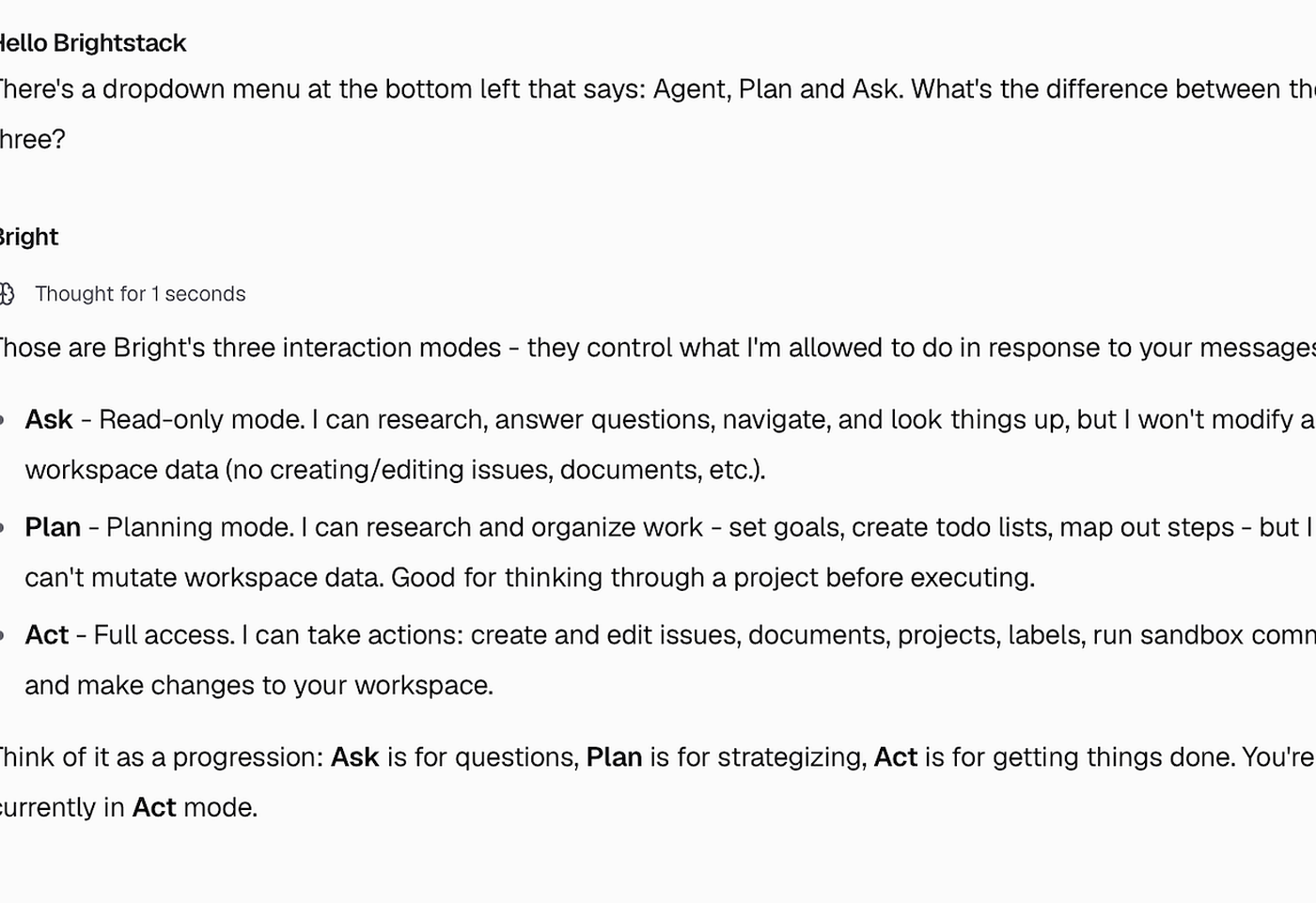
How Bright’s mode dropdown controls research vs planning vs full workspace access.
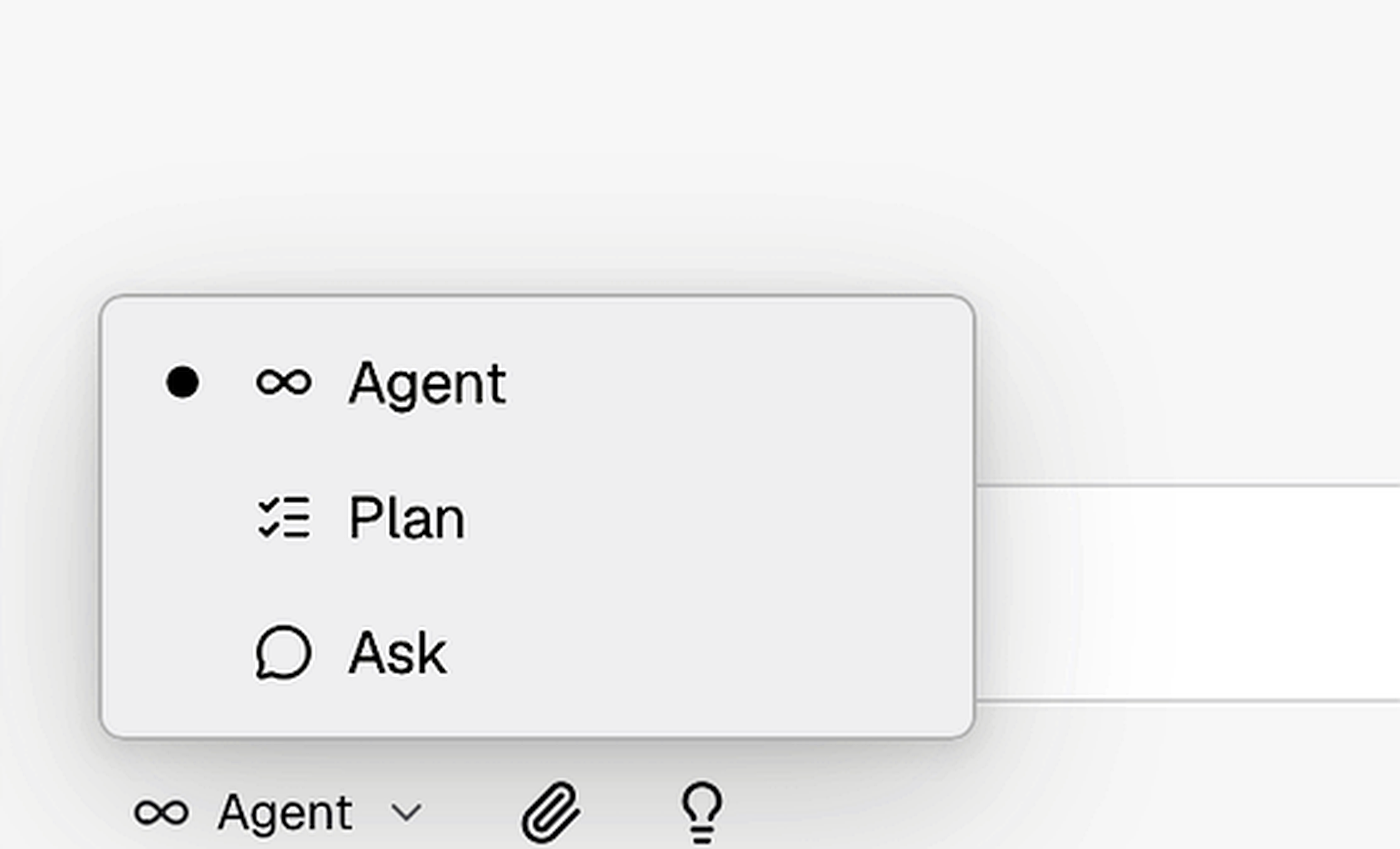
At the bottom left of the chat input, you’ll see a mode dropdown: Agent, Plan, and Ask. These modes control how much Bright is allowed to change in your workspace.
You don’t have to move through every mode every time. Many people work predominantly in Agent whether they’re asking basic questions or planning a major refactor.Limiting scope with Ask or Plan is a good way for non-developers to keep Bright from creating or changing project artifacts until they’re ready.