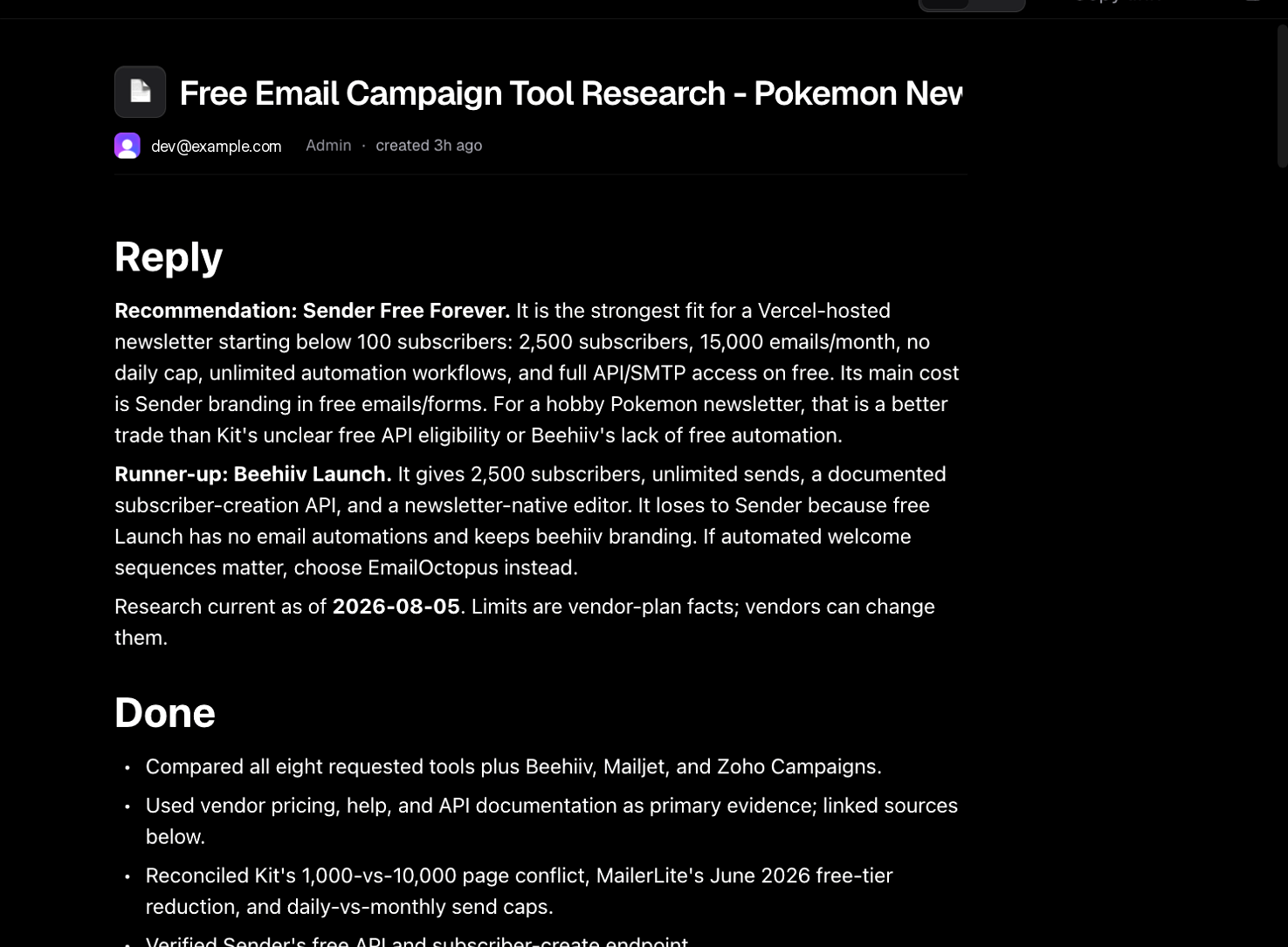
After research, Bright keeps going: it creates a project, issues, and documents you can reference later.

Project + issues

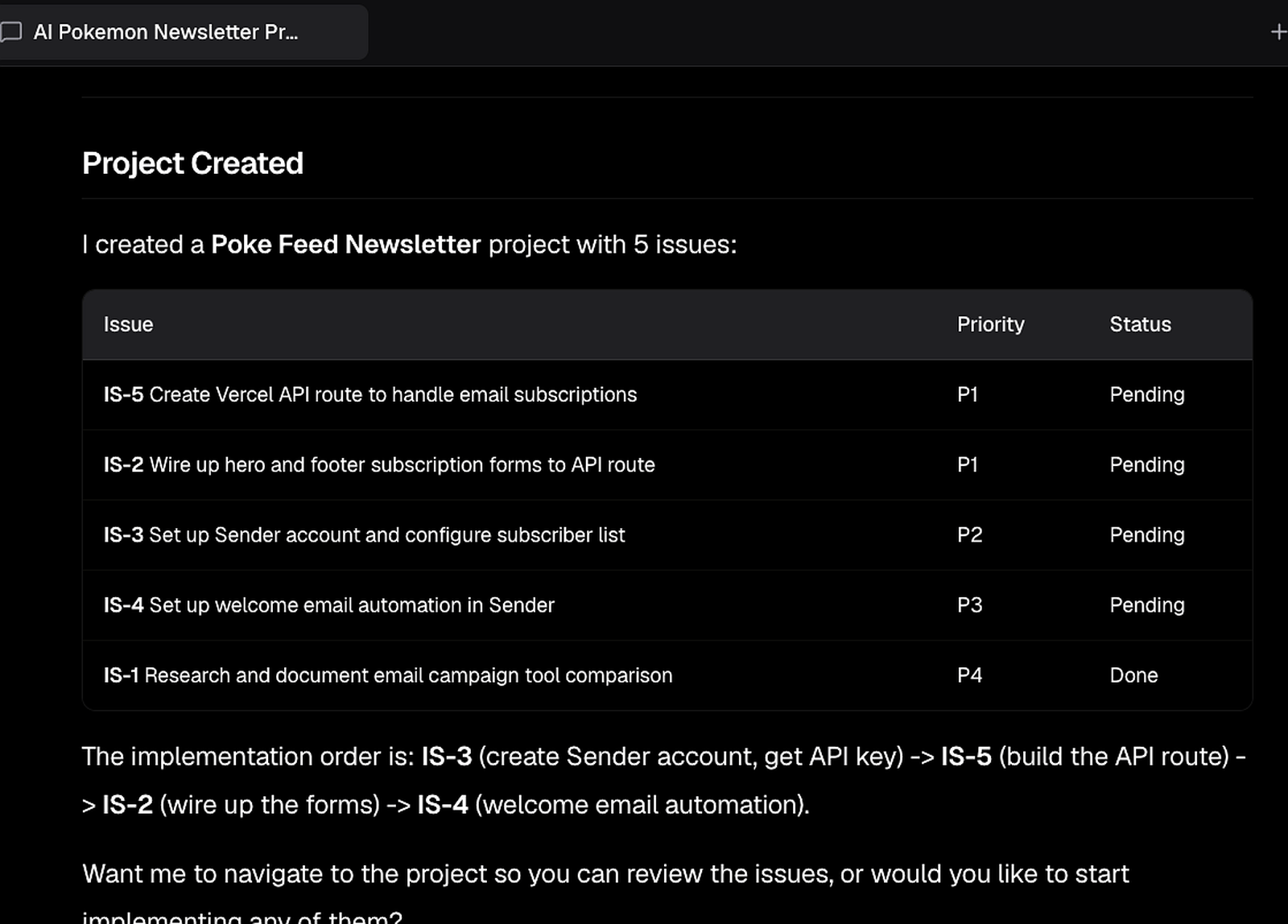
Bright summarizes what it created — for example a Poke Feed Newsletter project with issues for API work, form wiring, account setup, and research that already completed. Project created summary with issues, priorities, and status

How to open the project in the UI

  1. Click Plan in the top navigation
  2. Select Project in the left panel
  3. Open the project (e.g. Poke Feed Newsletter)
You’ll see the description plus issues across stages.

Example issue mix

Bright often suggests an implementation order (account/config first, then API, then forms). Follow that order so env vars exist before code tries to call the provider.

Documents / artifacts

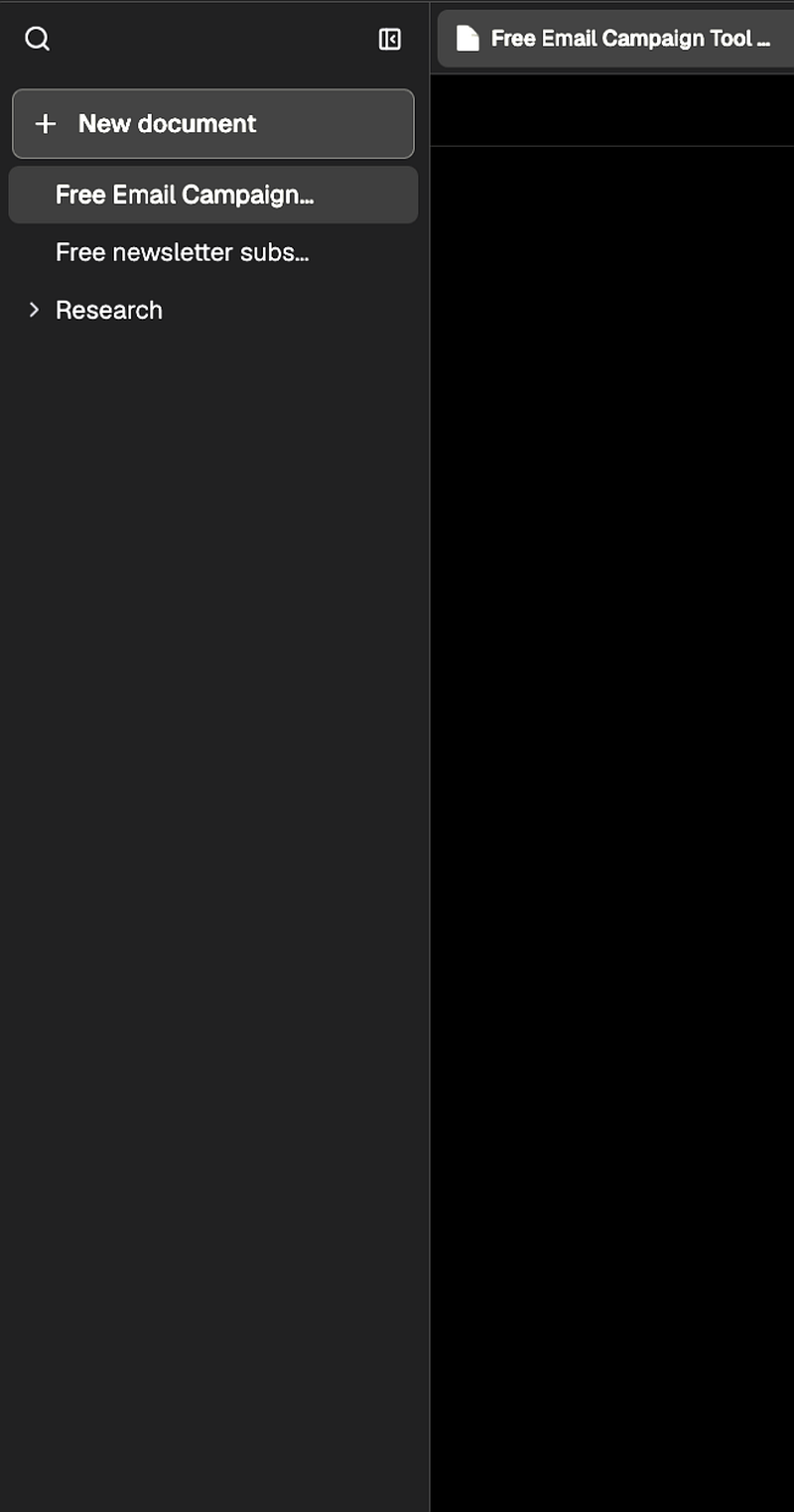
Open Documents in the navigation bar. Bright typically saves research artifacts such as:
  • Free email campaign tool research
  • Newsletter subscriber storage research
Even if Bright recommends skipping dedicated storage, keep the storage research — it’s useful later if requirements change. Documents sidebar with research artifacts Free email campaign tool research document

Back to Work

Return to Work (the chat). Bright may ask whether you want to navigate to the project or start implementing. If you’ve already reviewed issues, reply that you’re happy with the project and want to start implementing what Bright can handle.
Next

Continue to implementation.