Who this is for
The example is the same as the methodical loop: a small Node.js API in production that needs error tracking end to end.
1. Switch to Agent mode
At the bottom left of the chat input, open the mode dropdown and select Agent. Agent is the default in a new session, so you only need to switch if the selector shows Plan or Ask.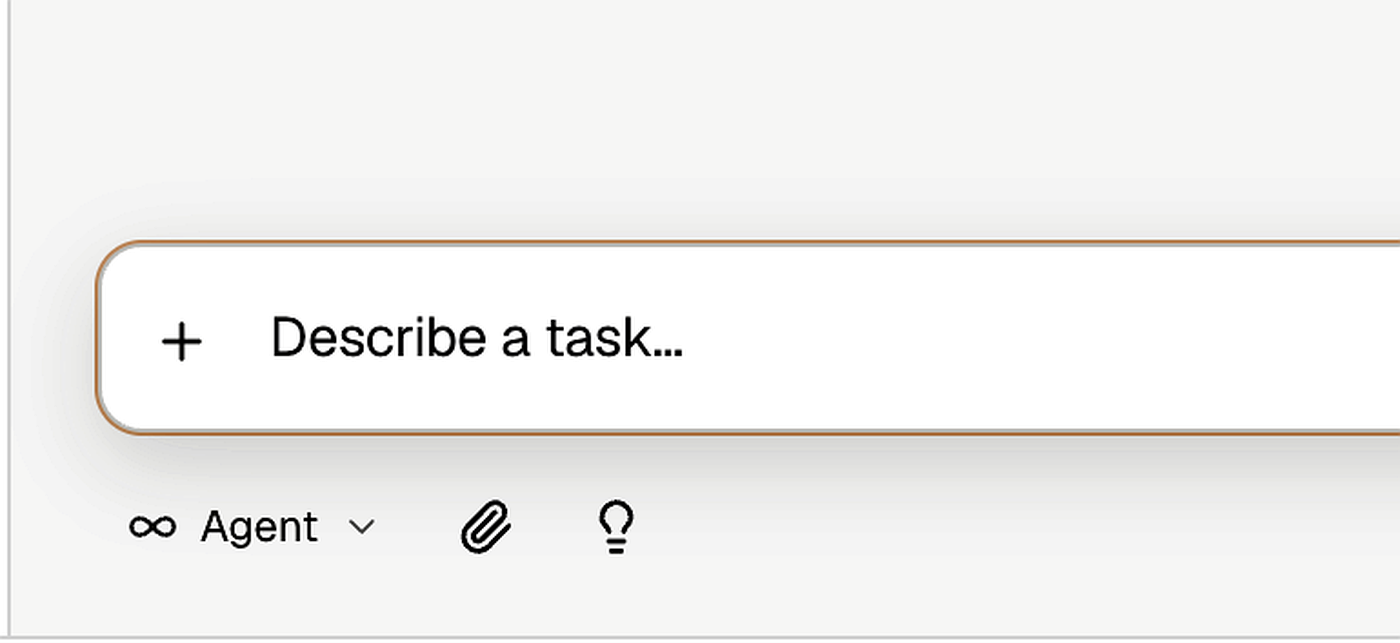
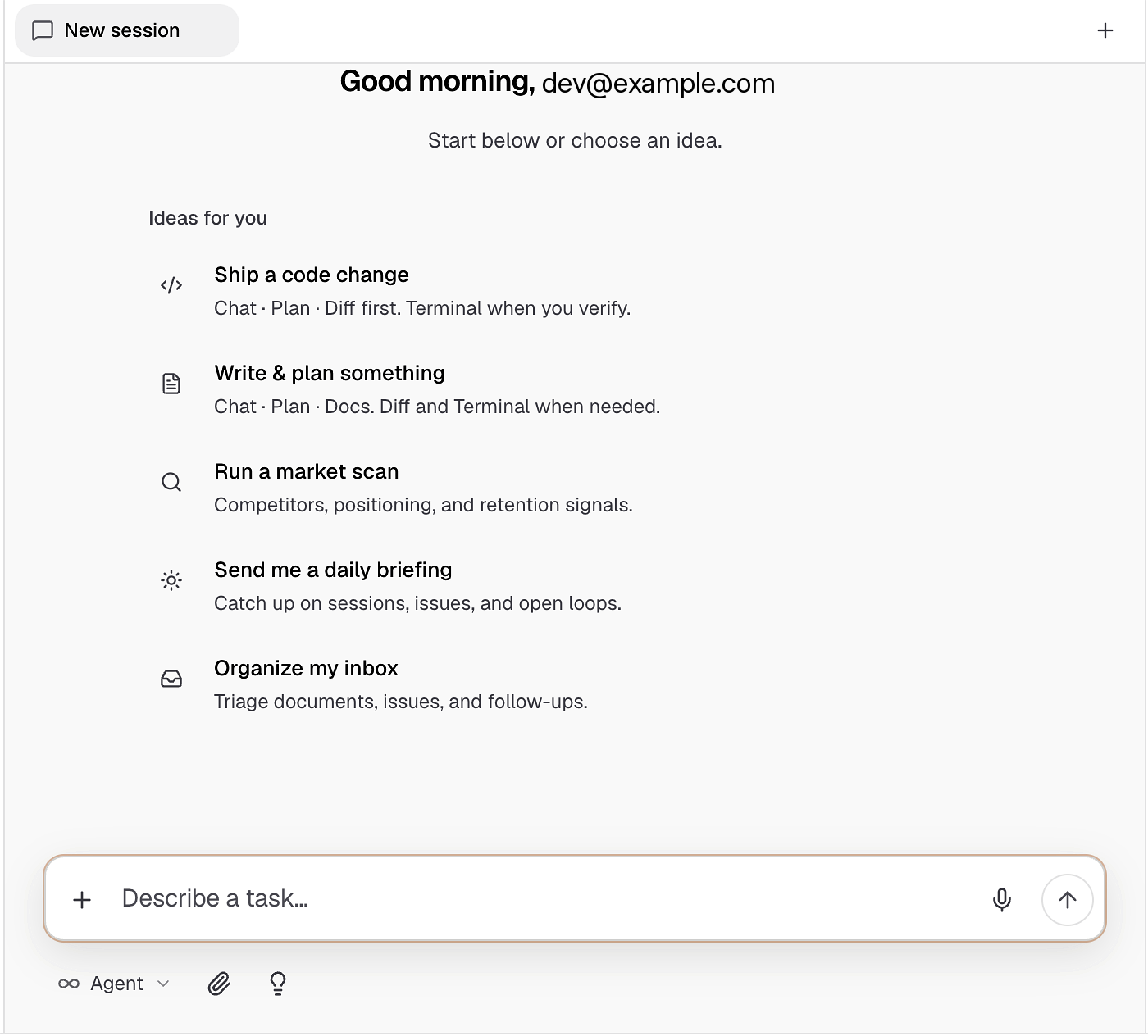
2. Send the one-shot prompt
Use the same research question, but explicitly ask Bright to research, plan, create a project, and execute: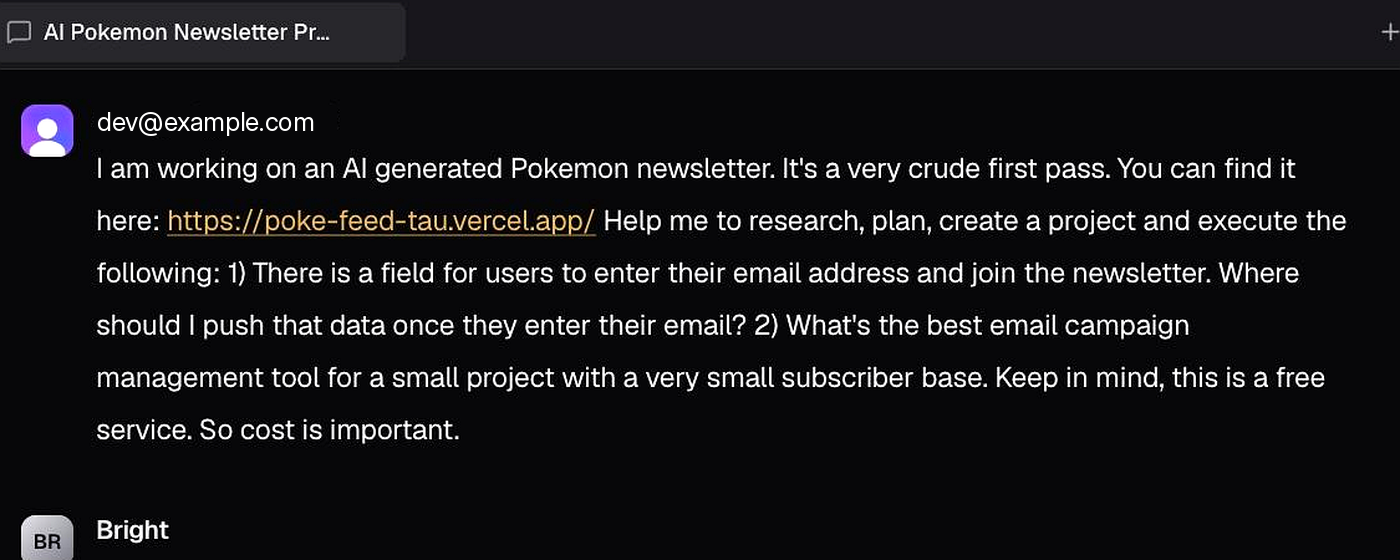
3. Watch research start in parallel
Bright begins the way the methodical loop does:- Explorer reviews your repo and stack (framework, error handling today)
- Researcher compares error-tracking services on setup effort and free tiers
- Both tracks run in parallel, then Bright recommends a fit
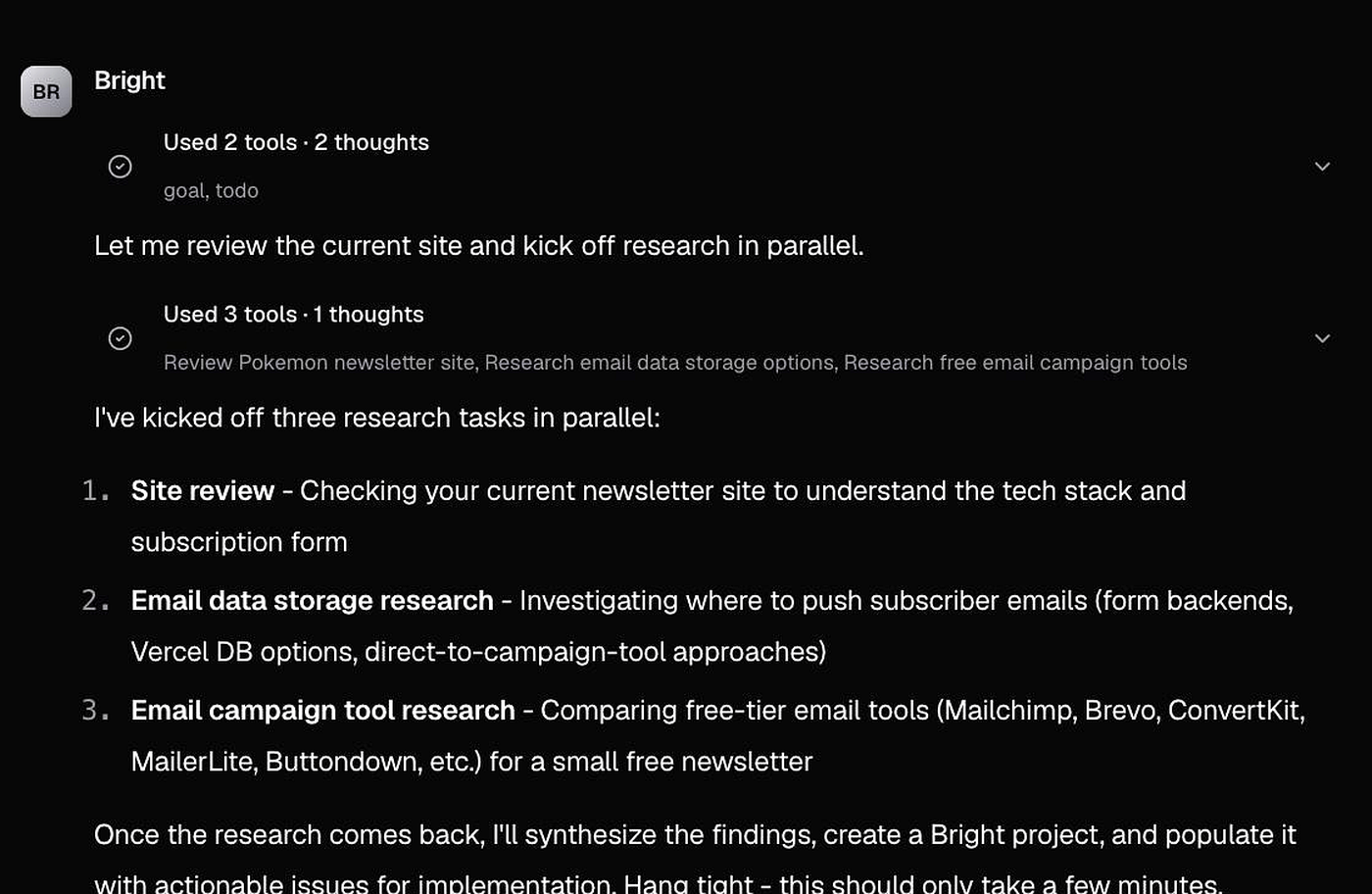
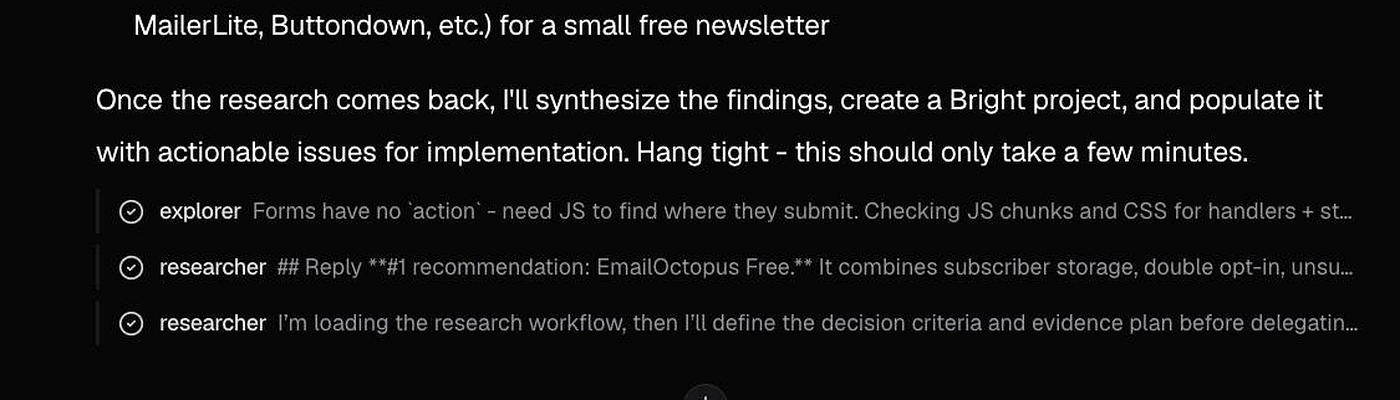
Unlike Ask-only research, Bright doesn’t stop after the recommendation. In Agent mode it continues into project creation, issues, and documents.
4. Review the project, issues, and documents
Bright summarizes what it created: an error-tracking project with issues for the Sentry setup, SDK wiring, release tagging, and the research that already completed.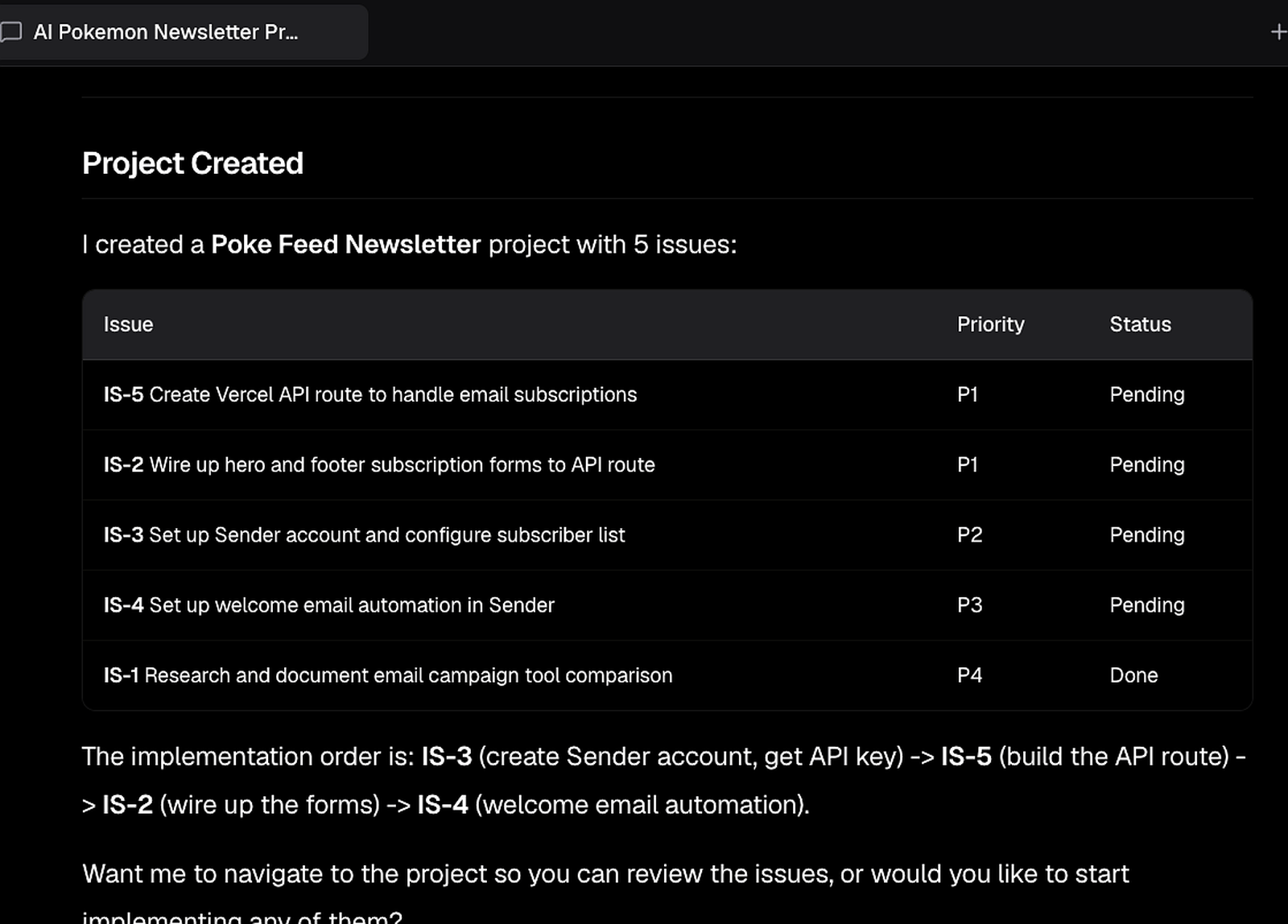 To open it in the UI:
- Click Plan in the top navigation
- Under Projects in the left panel, select All projects
- Open the error-tracking project from the list
The chat scrolls away; the work doesn’t. What Bright created during the session (the project, its issues, and its saved documents) stays in the workspace, so the reasoning is still there the next time anyone picks this up.
Open Docs in the top navigation. In this demo run, Bright saved one artifact: an apply-it-yourself guide for the Sentry setup, with the verified API names for the current SDK, which Node versions need which install line, and the wiring steps for Express, Fastify, or a plain HTTP server. Weeks later, whoever picks up the SDK issue starts from that guide instead of re-running the research.
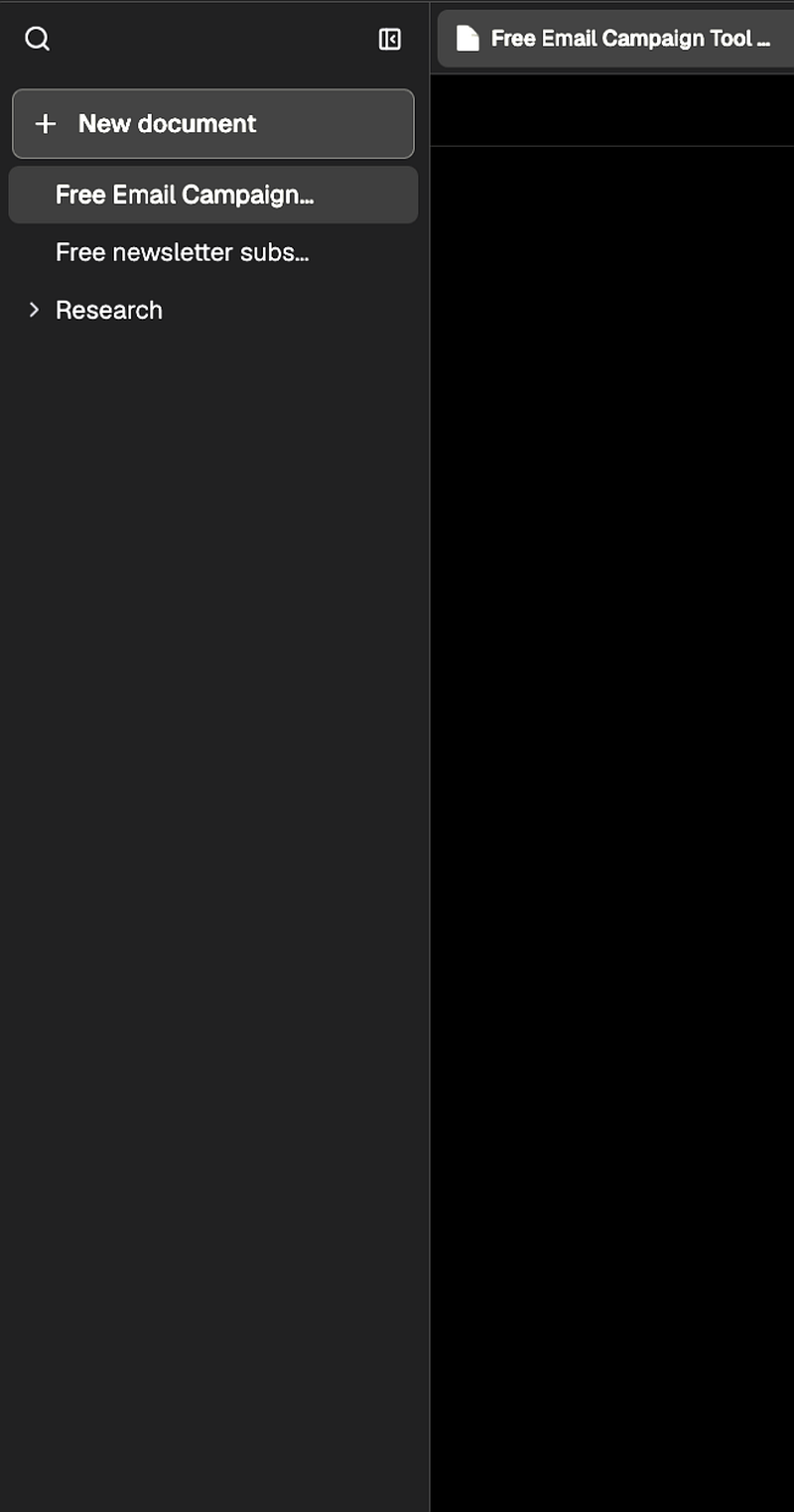
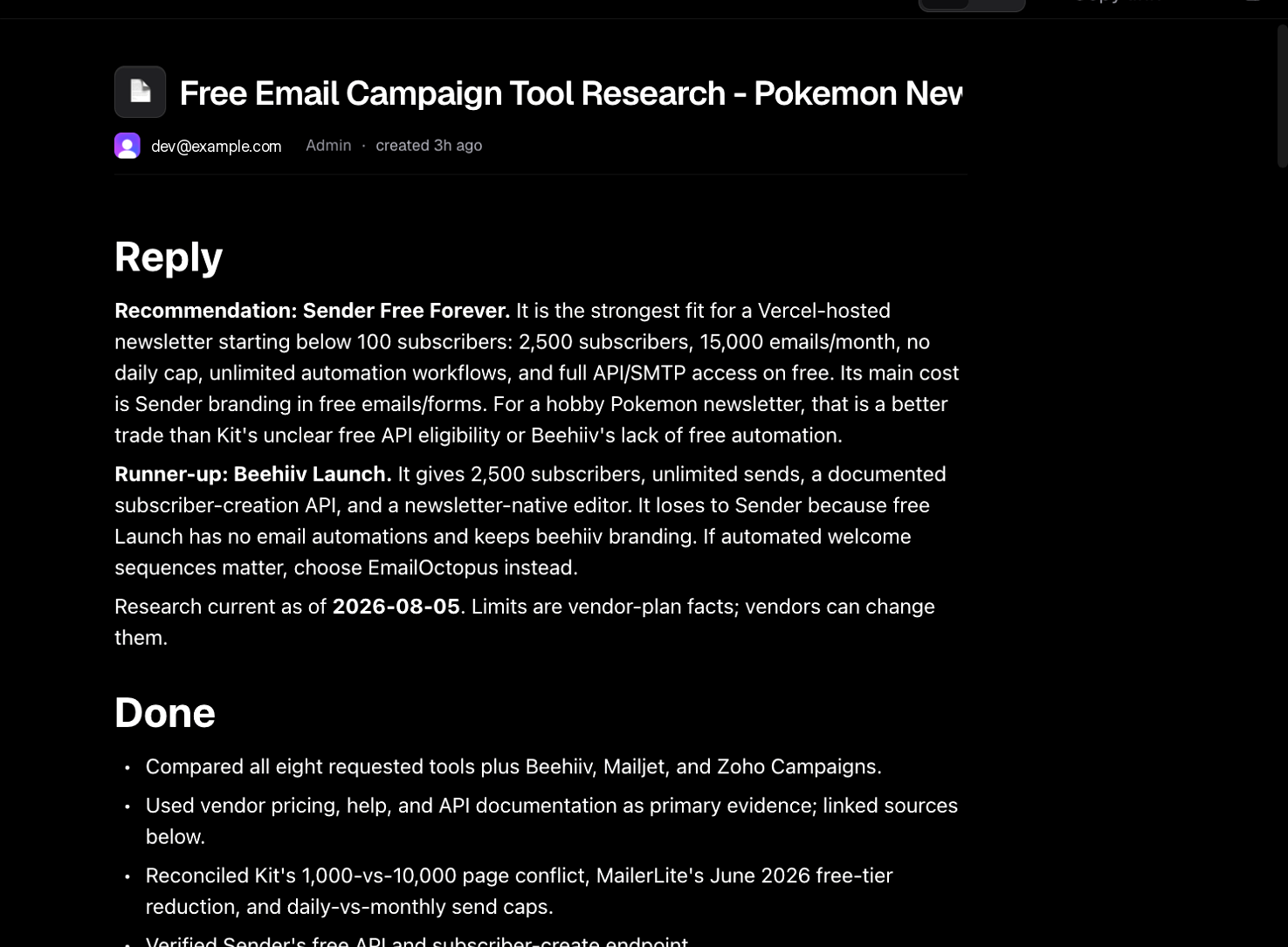 Keep the guide even after the work ships. It records how the setup was done and what was ruled out, the fastest way to retrace a step or bring the next person up to speed.
5. Implement and open a PR
Return to Work (the chat). Bright may ask whether you want to navigate to the project or start implementing. If you’ve already reviewed the issues, tell Bright to implement what it can: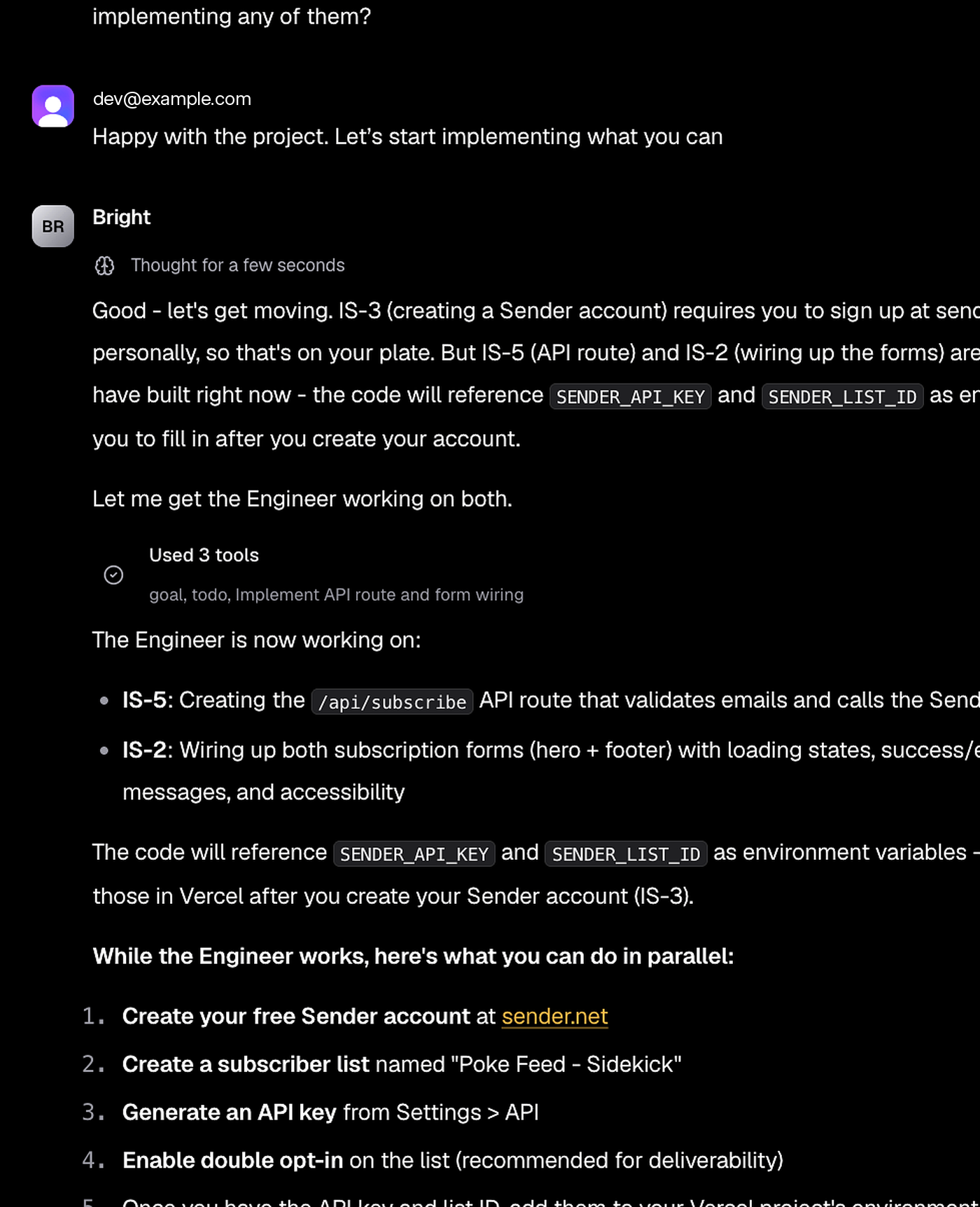
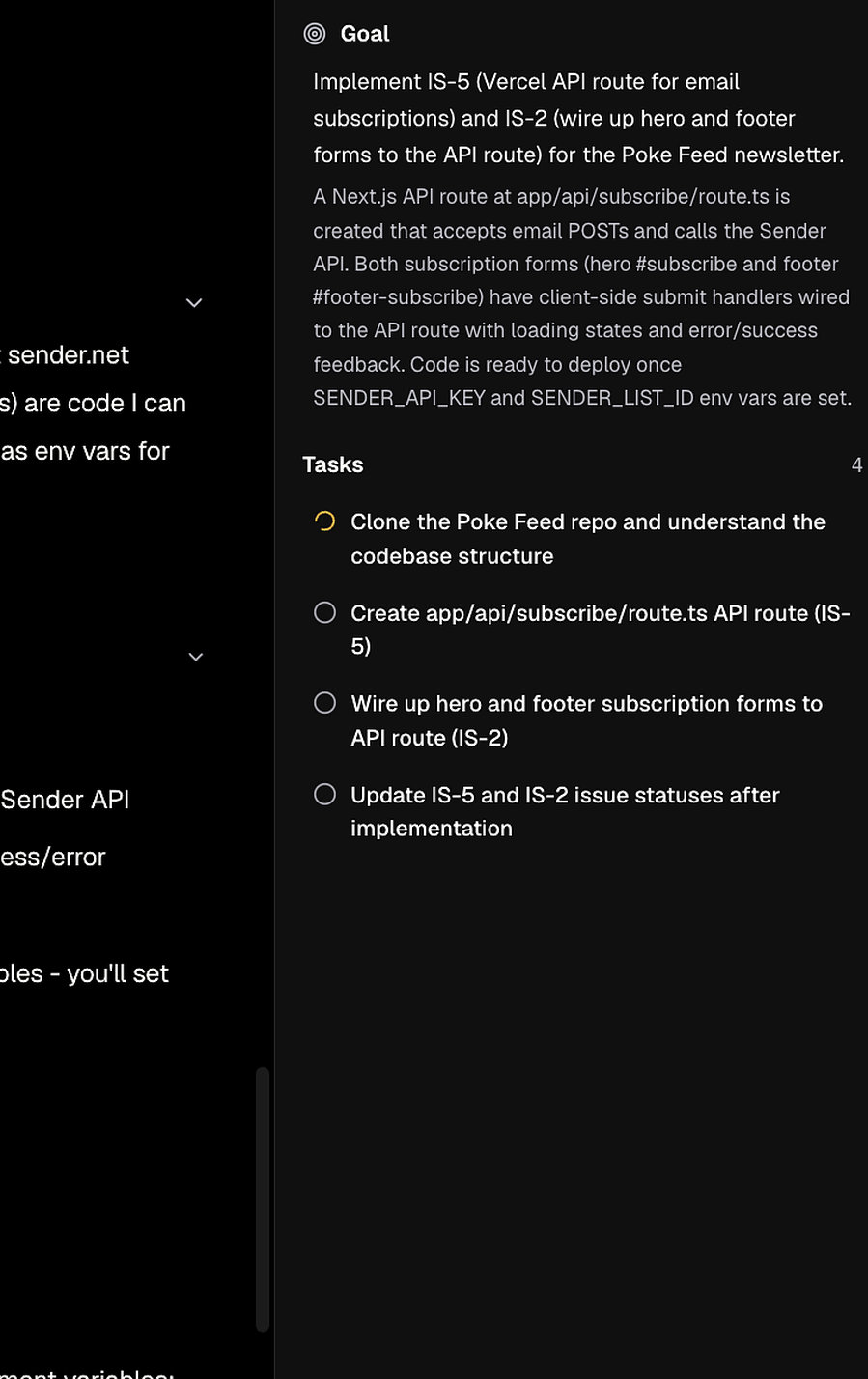
Example env var (the name comes from the plan):
One-shot, the methodical loop, and Forge
Good to know
- One-shot creates the project, issues, and documents before you have reviewed them. Read the project before you tell Bright to implement.
- Account and config steps stay with you. Bright reports which ones and continues with the engineering issues it can do.
- The saved guide is a document like any other: it stays in Docs after the session is archived.