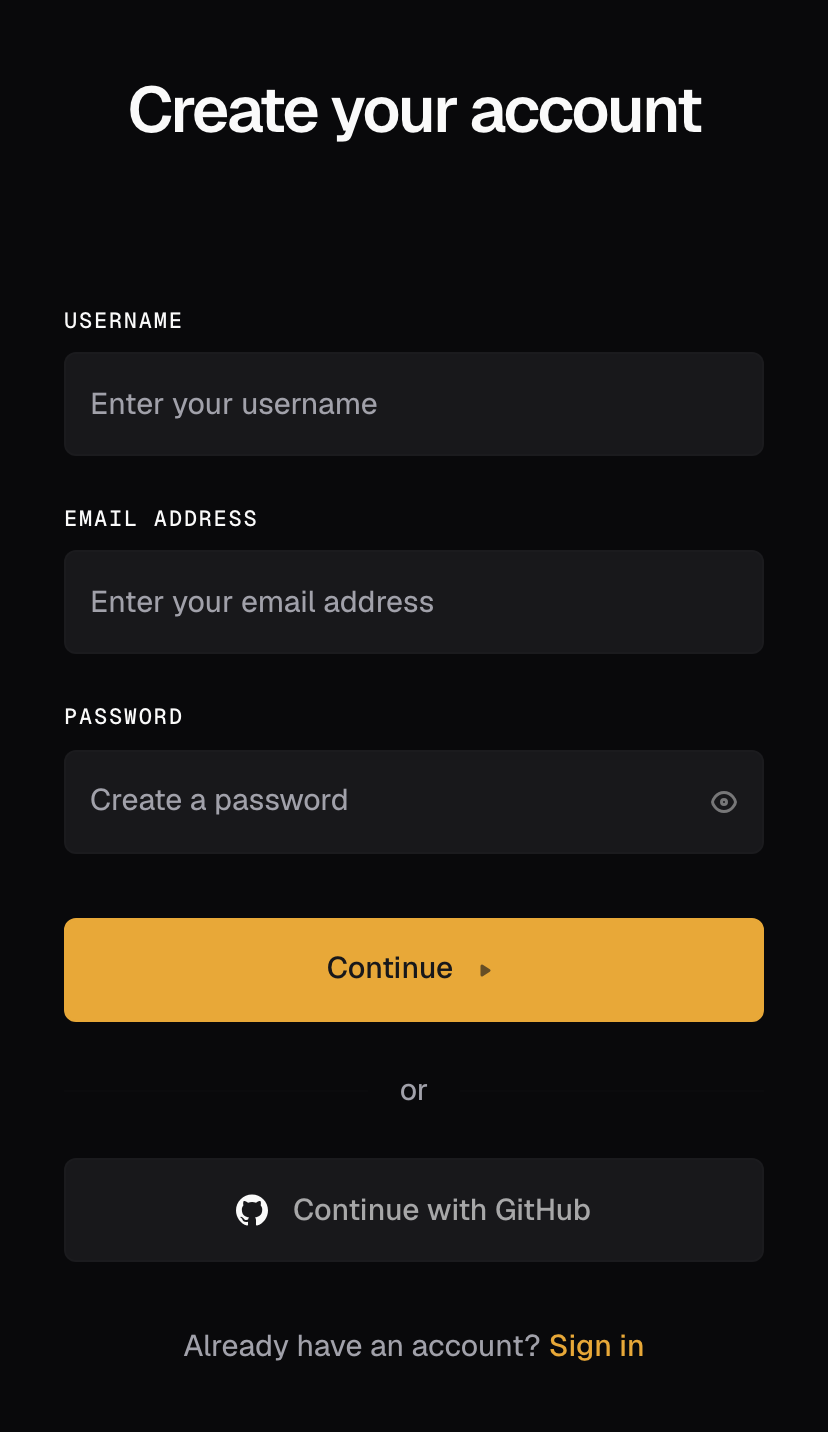
Sign up
- Open app.brightstack.ai/sign-up.
- Choose a Username, enter your Email address, and set a Password. Select Show password to check what you typed.
- Select Continue. Prefer GitHub? Select Continue with GitHub and sign up with your GitHub account instead.
What happens next
Bright creates a workspace named after you the first time you sign in, or drops you into the one you were invited to. There is no organization form to fill in. To add another organization later, open your name at the bottom of the left rail, then Switch organization, then Create organization…. Your new workspace starts empty. The issues list and chat are ready when you land. You do not need any setup to get value. The Quickstart takes you from zero to one real issue. When a task needs an app, connect it from the Apps page.Troubleshooting
- An invite link expired. Ask the person who invited you to send a new invite from workspace Settings > Organization (Invite a teammate), then open the new link.
- Signed in to the wrong workspace. Your account can belong to more than one organization. Select your name at the bottom of the left rail, then Switch organization.
- Continue with GitHub fails. Sign up with an email address instead, then connect GitHub from the Apps page when you need it.
Good to know
- Signup takes about a minute and asks for three things: a username, an email address, and a password.
- Sign-in accepts an email address or username, a phone number, GitHub, or a passkey.
- Your first workspace is created for you at sign-in. One account can belong to more than one organization; Switch organization lives under your name at the bottom of the left rail.
- A new workspace starts empty. The Quickstart starts from zero.