1. Switch to Agent mode
At the bottom left of the chat input, open the mode dropdown and select Agent.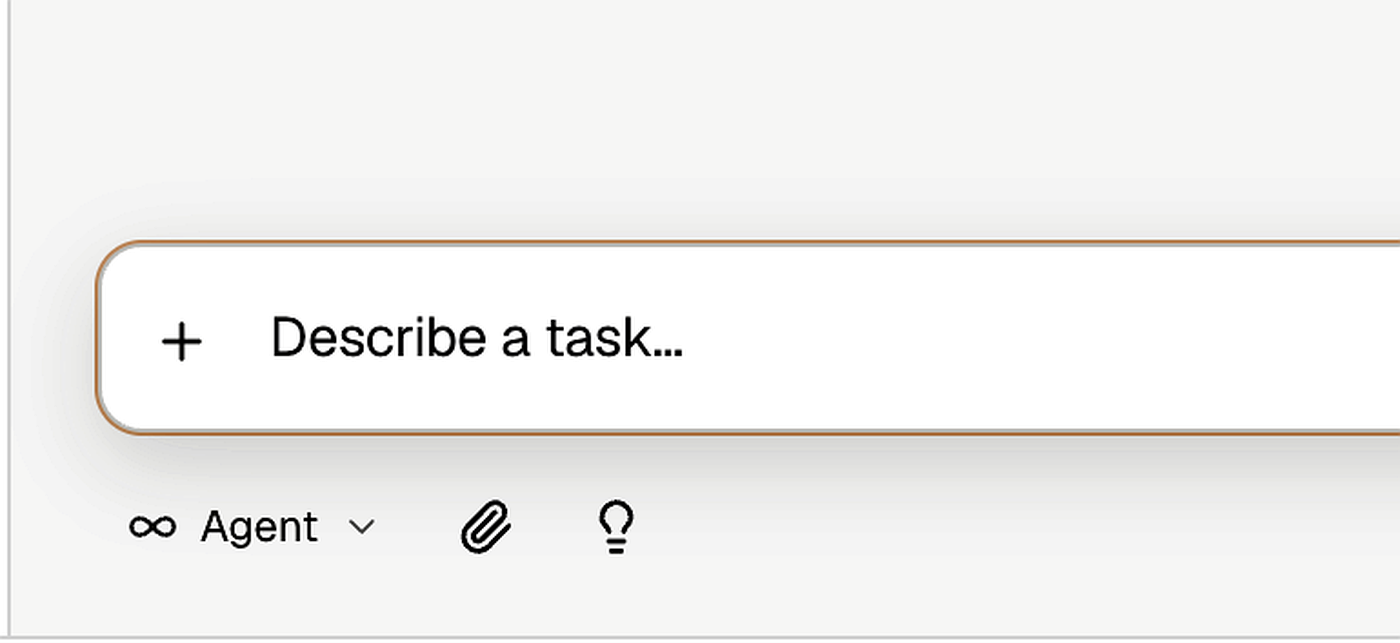
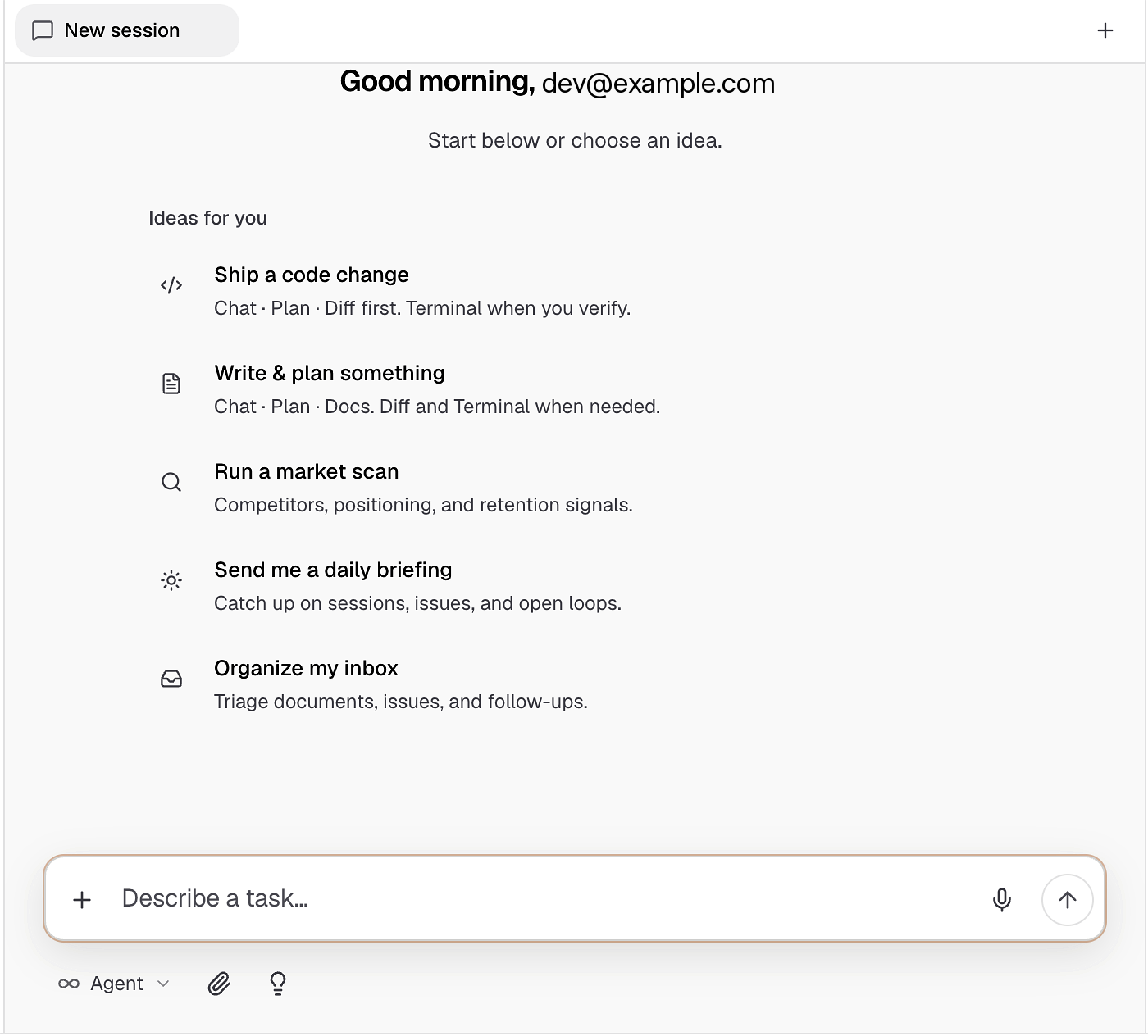
2. Send the one-shot prompt
Use a prompt similar to the step-by-step research example — but explicitly ask Bright to research, plan, create a project, and execute: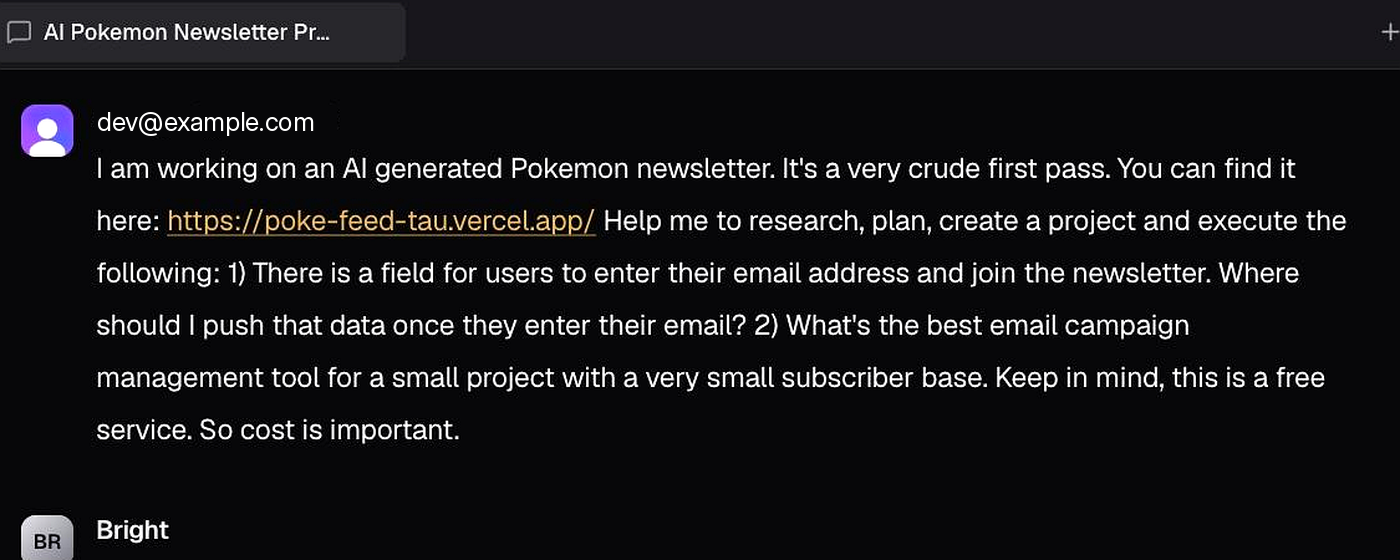
3. Watch research start in parallel
Bright begins like the step-by-step path:- Explorer reviews the current website/stack
- Researcher compares free email tools against your cost constraints
- Both tracks run in parallel, then Bright recommends a fit
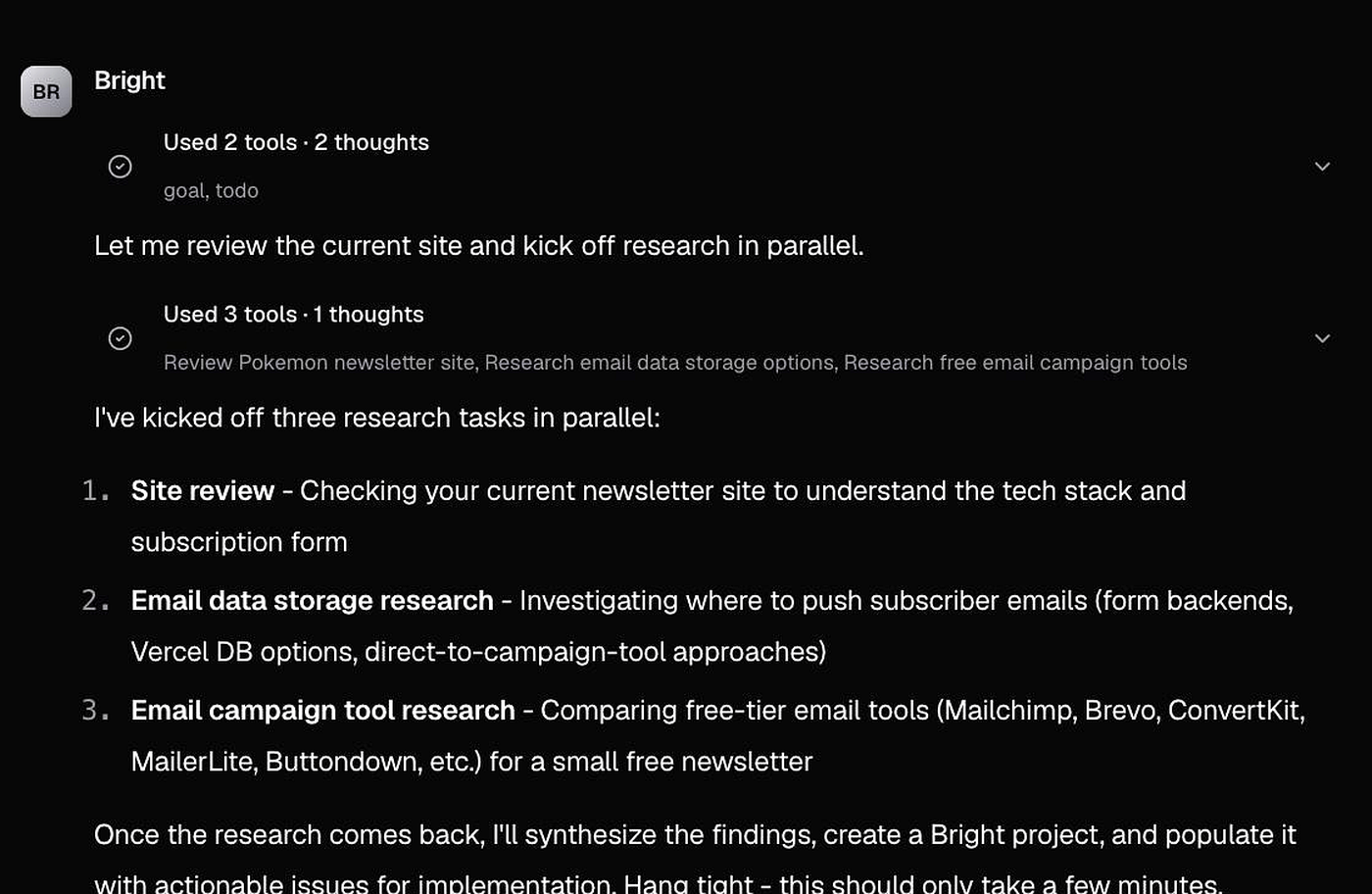
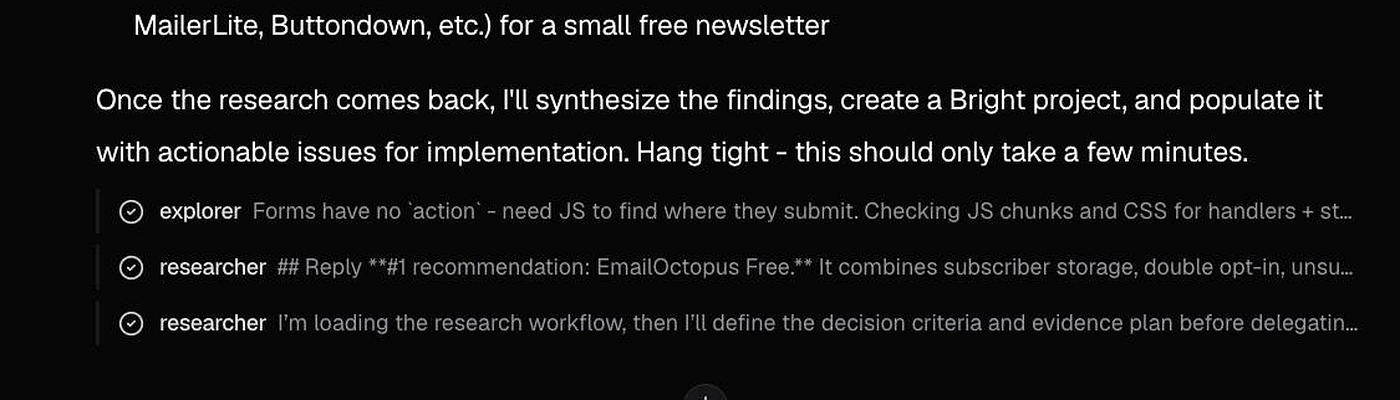
Unlike Ask-only research, Bright doesn’t stop after the recommendation. In Agent mode it continues into project creation, issues, and documents.