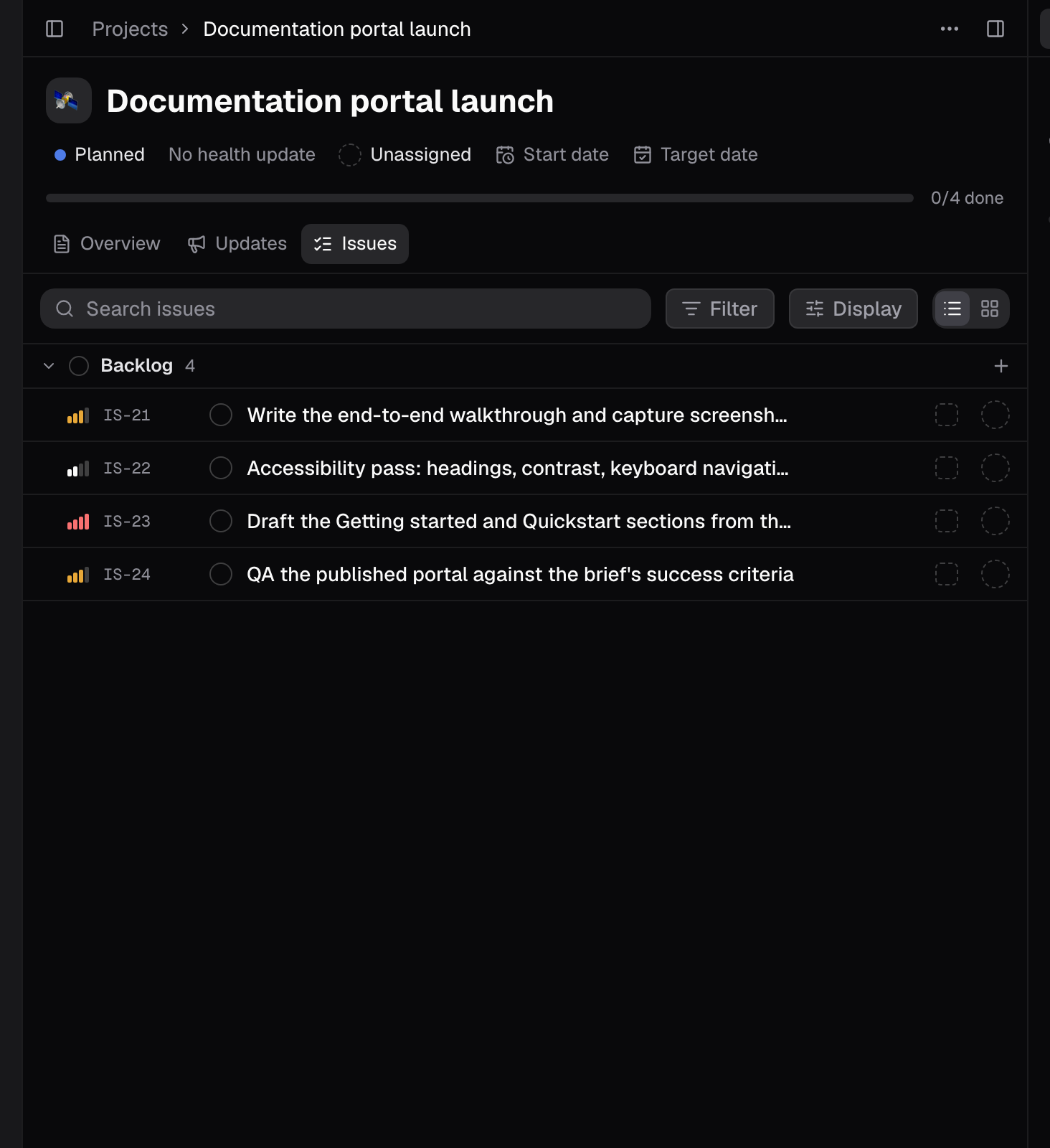
Set up the brief, the project, and the issue
- Put the brief in Docs: the objective, the audience, editorial principles, success criteria, and known risks.
- Create the project. It is the status home for the launch.
- Open one issue that carries the deliverable. Give it a definition of done that names real acceptance checks: verified workflows, useful screenshots, navigation that works at every width, accessibility, light and dark modes, and a QA pass.
Use each surface for a different job
- Docs hold the objective, audience, editorial principles, success criteria, and risks. This is what every other surface points back to.
- The project is where the launch’s status lives, across its Overview, Updates, and Issues tabs.
- The issue is the executable contract: the deliverable, the definition of done, and links to the brief.
- The issue’s Plan button (⌘⇧P) turns the issue into sub-issues once the product decisions are settled, not before.
- Specialists are reviewers and builders, and each one needs its scope written down in the prompt.
Have the brief reviewed before anything runs
Bring in a specialist to critique the brief itself: which requirements are testable, which are missing, which conflict. Ask it to label every statement as observed, inferred, or proposed, and to cite the section it came from. A critique that cannot point to a line in the brief is opinion, and you want the opinions separated from the readings.Fluent output is not evidence: a polished review can still assert specifics the brief never states. The citation labels are how you catch it. If a claim matters, ask for the section before you accept it.
Plan only when the decisions are settled
- Wait until the review has resolved what the portal must do.
- Select Plan (⌘⇧P) on the issue. It opens the issue’s context chat in the right rail and submits the planning brief straight away. Sub-issues become the trackable pieces: drafts per section, the walkthrough, screenshots, accessibility, QA.
- Reopen the issue and confirm the sub-issues exist before you treat planning as done.
Approve durable writes one by one
Agents write documents, create issues, and run plans through tool approvals. Allow once while the workflow is new; the approval card shows what will run before it runs. After a run, check that what was promised actually exists: the draft documents are in Docs, the sub-issues are on the issue, the QA report is linked.What good looks like
- Every brief requirement is either testable or explicitly parked as an open question.
- The review’s claims carry citations you can check in seconds.
- Planning started after the decisions, and its sub-issues exist on the issue.
- Every durable write was approved, and everything promised is findable in the workspace.
Good to know
- Nothing runs until the brief has been reviewed. That review is where judgment lives.
- The issue’s Plan button (⌘⇧P) turns the issue into sub-issues once the product decisions are settled, not before. It submits the planning brief as soon as you press it.
- Each sub-issue carries its own properties and its own Plan and Build actions.
- Every durable write (documents, issues, plan runs) goes through a tool approval. Allow once while the workflow is new.
- Each specialist needs its scope written down in the prompt.
Related pages
- Run a GitHub and Notion launch review: audit connected sources the same way before launch.
- Turn a support escalation into planned work: the issue-contract pattern behind this example.
- Loop engineering: how a long agent run stays auditable from goal to verification.